
Platform
One connected healthcare platform.
Every healthcare practice shares the same journey — appointment, consultation, documentation, treatment, prescription, billing, follow-up. Yuktii connects that journey once, then adapts the clinical workflow to each specialty.

The connected journey
One patient. One journey.
- 1Appointment
- 2Check-in
- 3Consultation
- 4Assessment
- 5Clinical Documentation
- 6Treatment / Care Plan
- 7Prescription
- 8Billing
- 9Follow-up
Core modules
Everything the practice needs, connected
Online Booking Page
A public link patients use to book, with the details flowing straight into the clinic.
Appointments
Scheduling, reception queues, check-in and no-show tracking.
Patient Records
One timeline per patient — history, visits, documents, communication.
Clinical Documentation
Structured consultation notes with specialty presets and templates.
Prescriptions
Reusable templates, drug lists, and patient-ready PDFs sent on WhatsApp.
Consent Forms
On-screen consent captured against the procedure and stored with the record.
Pharmacy & Inventory
Medicine and consumable stock, low-stock alerts, purchases and suppliers.
Billing
Treatment-linked invoices, tax-ready receipts and pending-balance tracking.
Follow-up & Recall
Scheduled reviews, recall lists, WhatsApp reminders and campaigns.
Staff & Roles
Team roster and shift planning, leave requests, role-based access, and per-doctor productivity.
Expenses
Clinic spending logged by category with receipts attached, tracked month on month against revenue.
Reports & Data Export
Revenue and performance by doctor and branch — and download any record as a PDF, anytime.
Clinical documentation
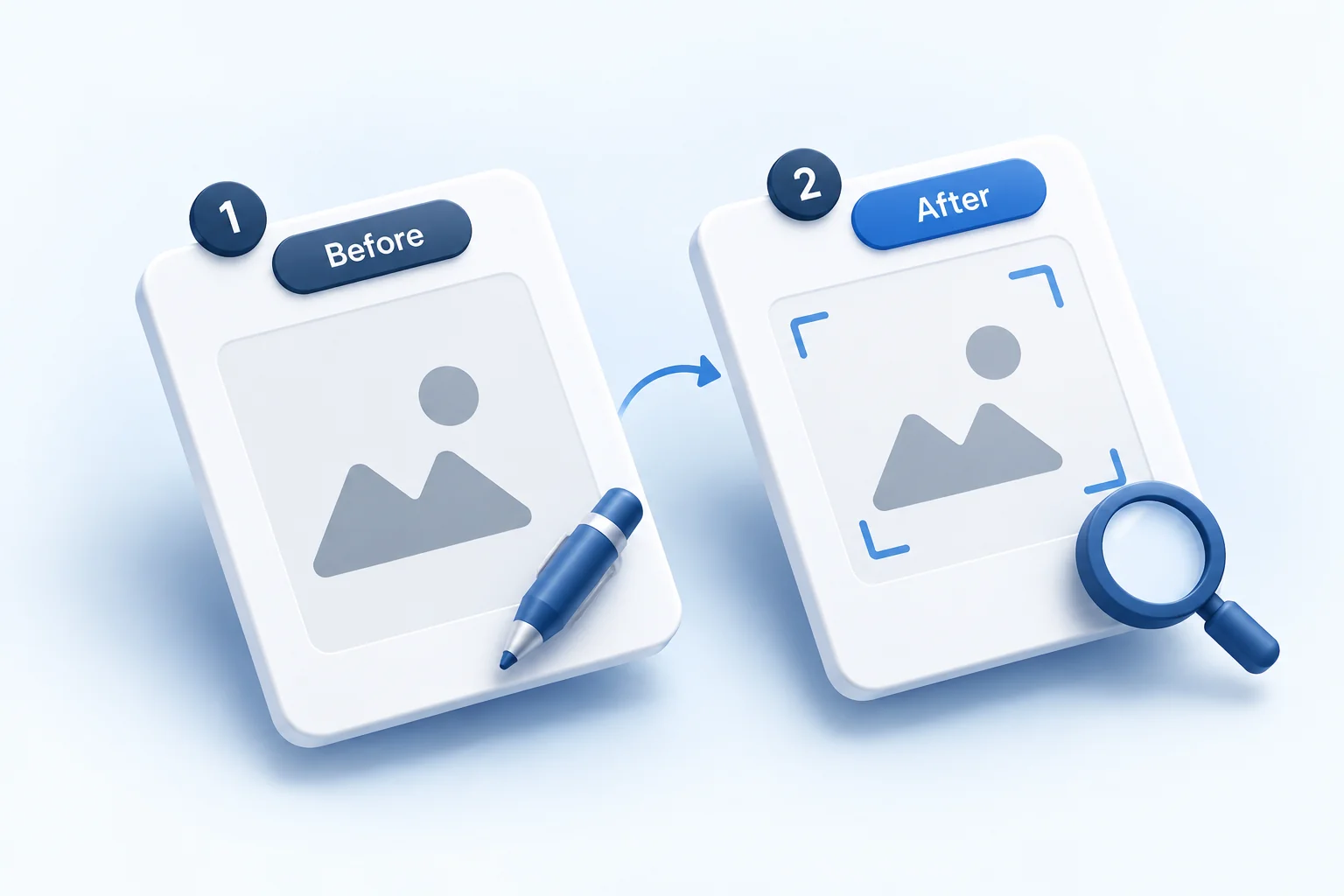
Compare photos and X-rays side by side.
Open any two or more of a patient's photos or X-rays next to each other, zoom in on each independently, and mark them up with freehand annotation. Before/after pairs from the same treatment line up automatically. Works on any uploaded clinical photo or X-ray, for any specialty.
Common vs adapts
What stays the same, what changes
Common across healthcare
- Connected patient journey — appointment to follow-up
- One shared patient record across the team
- Online booking page patients can book from
- Reception, doctor, billing and admin — one system
- On-screen consent stored with the record
- Pharmacy and consumable stock, purchases, suppliers
- GST-ready billing generated from clinical work
- WhatsApp reminders, follow-ups, recalls, campaigns
- Every record as a PDF; full data export on request
- Reports built from real clinic activity
Adapts to each specialty
- The examination or assessment for the specialty
- Charting, mapping or scoring tools where needed
- Procedure & therapy-course structures — sittings, cycles, sessions
- Specialty starter kits — complaints, findings, templates
- Consent forms relevant to the specialty's procedures
- Which capabilities are switched on for the clinic
The workflow changes. The platform doesn't.
See it by specialty
How the platform adapts
Explore any of 39 specialties to see the workflow on top of this platform.
Platform — common questions
What is the Yuktii platform?
It is the shared foundation every Yuktii practice runs on — appointments, patient records, clinical documentation, prescriptions, billing, communication, reports, analytics and role-based access — with specialty-specific workflows layered on top.
What stays the same across every specialty?
The connected patient journey, one record per patient, the reception-doctor-billing workflow, GST billing from clinical work, WhatsApp follow-ups and reporting are common to every specialty.
What changes by specialty?
The examination or assessment, any charting or scoring tools, procedure and therapy-course structures, the starter kit of presets and templates, and which capabilities are enabled for the clinic.
Does Yuktii support multiple locations?
Yes. Multi-location practices get branch-aware workflows, role-based access, a shared appointment view and per-branch reporting from one dashboard.
Does the platform include pharmacy, consent and an online booking page?
Yes — all three are part of the core platform on every plan. The pharmacy module tracks stock, purchases and suppliers; consent is captured on screen and stored with the record; and each clinic gets a public online booking page.
Can a clinic get its data out?
Yes. Every record — prescription, invoice, consent, treatment plan, patient summary — downloads as a PDF, and a clinic can request a full data export from inside the app at any time. The clinic owns its data.
Will the team find it easy to use?
Yuktii mirrors the steps a clinic already follows on paper — book, see the patient, document, prescribe, bill, follow up — so it feels familiar. It is just digital, connected, and comes with a working starter setup for the specialty.
Your data
Your data, your reports, your call
Everything you enter belongs to your clinic
Clinic and patient data is the clinic’s own. A clinic admin can download all of it whenever needed as one Excel workbook, with a sheet each for patients, appointments, treatments, prescriptions, billing, payments, inventory and staff.
Moving from another software?
Send us your existing records as an Excel or CSV file. Our team maps the columns, checks every row for problems and imports your patients, appointments, treatments, prescriptions, invoices and payments after review. An import can be rolled back if something is wrong. Talk to us about switching.
Reports you can download as PDF
Download the overview, today’s snapshot, revenue, expenses, patients, doctors, treatments, medicines, lab cases, stock and doctor commission as PDF reports. The analytics cover clinical, revenue, patient, doctor, inventory and operations views for any period you choose, with AI insights on top.
How it works
Live in three steps
- 01
Sign up and set up
Create your clinic and pick your specialty in the setup wizard. No card needed.
- 02
Make it yours
Edit the presets, procedure templates, consent forms and prescription templates, and add your letterhead and hours.
- 03
See your first patient
Most clinics are live in under 10 minutes, with appointments, records and billing already connected.
Healthcare works differently for everyone. Your software should too.
Discover how Yuktii adapts to the way your specialty and practice work.
Or start for free.
- Free to start
- No credit card
- Every specialty workflow
- GST-ready billing
- WhatsApp reminders